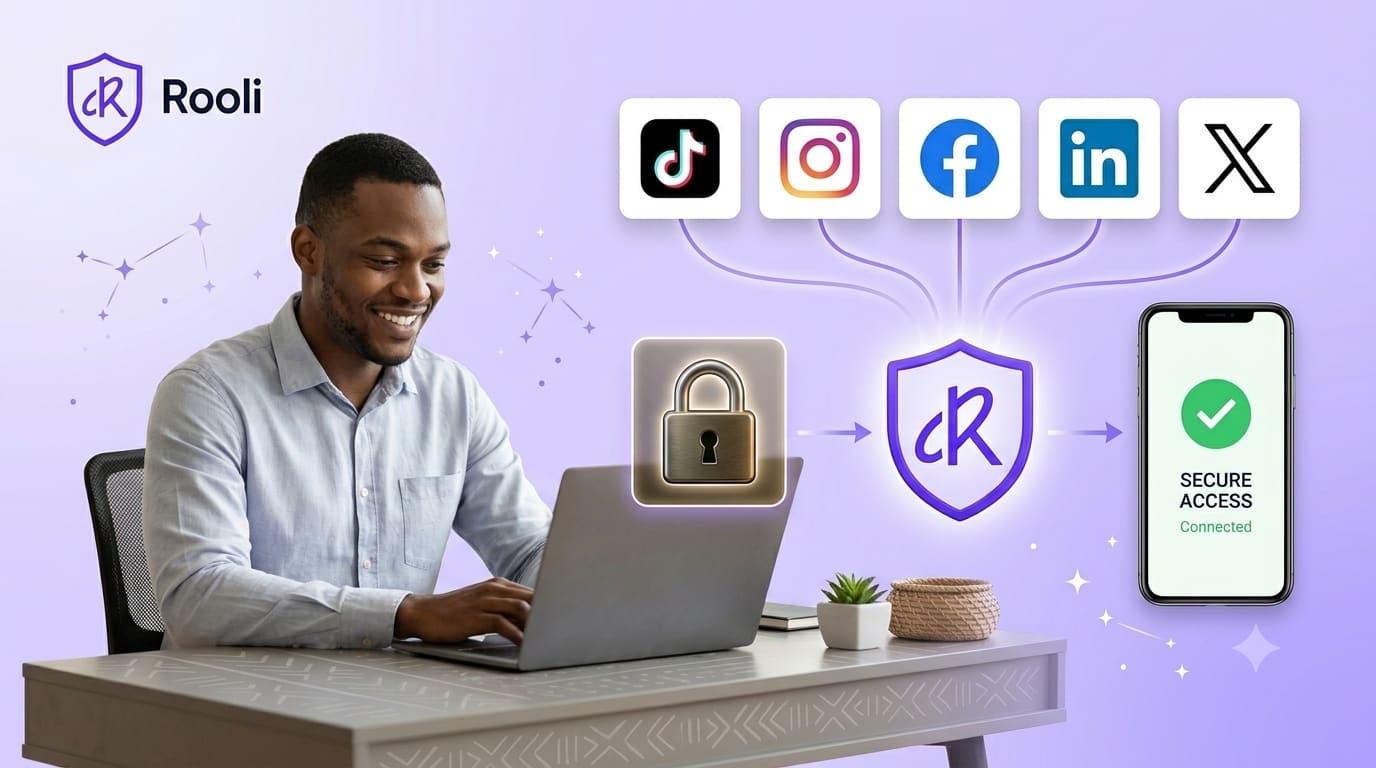
Not long ago, a social media manager reached out to us with an admission. She had signed up for Rooli, explored the dashboard, loved what she saw, and then stopped at the one step that mattered most. She had not connected a single account. Not her own, and definitely not her clients'. The reason was simple and completely understandable. She was scared. In her words, one breach and the business she had spent years building would be gone overnight.
She is not unusual. Across Nigeria and the wider continent, this is the quiet hesitation that stops capable social media managers, business owners and creators from using the tools that would make their work far easier. The fear is not irrational. It is the right instinct, pointed at the wrong target. So rather than send her a reassuring sentence, we walked her through exactly what happens, step by step, when you connect an account to Rooli. By the time we finished, she connected every account she managed. This article is that same walkthrough, written down, so you can make the same decision with the same confidence.
Why connecting your accounts feels risky
If you manage social media, your accounts are not just profiles. They are your livelihood, and often someone else's too. For an agency or a freelance social media manager, a client's Facebook or Instagram account is a responsibility you carry personally. A single compromised login can mean lost access, stolen audiences, fraudulent posts in a client's name, and a reputation that took years to build undone in an afternoon.
Account takeovers are a real and rising problem, and the instinct to protect access is exactly the instinct a professional should have. So the caution is correct. The mistake is assuming every tool handles your access the same careless way. The right question is not whether to be careful. It is whether a specific tool gives you a reason to trust it. Here is Rooli's answer, in plain terms.

What actually happens when you connect to Rooli
When you connect an account to Rooli, four things are true from the first moment to the last. Together they are the reason that hesitant social media manager felt safe enough to connect everything she managed.
You never give Rooli your password
This is the heart of it. Rooli never asks for, sees, or stores the password to any of your social accounts. Connection happens through official, secure sign in directly with each platform: Instagram, Facebook, TikTok, LinkedIn and X. When you connect, you are taken to that platform's own login page, not a Rooli imitation of it, and you sign in there. Your password stays between you and the platform, exactly where it should. A tool that asks you to type your social password into its own form is a warning sign. Rooli is built so it never has to.
You sign in on the platform's own page
Because the login happens on the platform's official page, the connection uses the secure, approved method these platforms built for exactly this purpose. You are not handing over keys. You are granting a specific, revocable permission through a system the platforms themselves designed and monitor. This is the same approved approach that legitimate tools rely on, and it is the difference between trusting Rooli and trusting an unknown form on a random website.
You approve exactly what Rooli can do

When you connect, you see and approve the specific permissions you are granting. Rooli asks only for what it needs to do its job: to publish the posts you schedule and to pull the analytics that show how your content performed. That is the full extent of it. Rooli is not asking to roam freely through your account, and you are never approving a vague, open ended level of access. You grant a defined, limited permission, and you can see exactly what it is before you agree to anything.
You can disconnect in one click, anytime

Control does not end at connection. It stays with you the entire time. If you ever want to remove Rooli's access to an account, you disconnect it from your dashboard in a single click, and that access ends immediately. No support ticket, no waiting period, no email chain. The moment you decide you are done, you are done. Knowing you can leave instantly is often what makes people comfortable enough to start.
You stay in control of what gets published
Security is not only about who can log in. It is also about what goes out. With Rooli, nothing publishes to your accounts unless you scheduled it or approved it. There are no surprise posts. For teams and agencies, Rooli goes a step further: on team plans, every post can pass through an approval step before it ever reaches a client's page, so a second set of eyes signs off before anything goes live. The result is that your accounts only ever say what you meant them to say.
Two steps that turn caution into real peace of mind
Understanding how Rooli connects is the first step. If you want to go deeper and lock things down completely, there are two more worth taking, and we have written full walkthroughs for both.
First, if you still want the complete breakdown of how account safety works before you connect anything, read our detailed guide, Is It Safe to Connect Your Social Accounts. It answers the security questions every careful social media manager should ask of any tool, Rooli included.
Second, protect the accounts themselves at the source by switching on two-factor authentication. Our step by step guide, How to Set Up Two-Factor Authentication on Rooli, shows you exactly how, so even in the unlikely event a password is exposed elsewhere, your access stays protected. Strong connection practices and two-factor authentication together are what turn a nervous maybe into genuine confidence.
PRO TIPS
Connect your own account first. Before you connect any client accounts, link one of your own and watch the whole flow. Seeing it once removes most of the fear.
Check the login page is the real one. When connecting, confirm you are signing in on the platform's own official page. Rooli always sends you there, never to a copy.
Turn on two-factor authentication everywhere. The single highest impact security step you can take is enabling two-factor authentication on every account you manage.
Use approvals for client work. On team plans, route client posts through an approval step so nothing reaches a client's page without a final check.
Frequently asked questions
Is it safe to connect my social media accounts to Rooli?
Yes. Rooli connects through each platform's official secure sign in, so it never sees or stores your password. You approve only the permissions it needs, and you can disconnect any account in one click at any time.
Does Rooli store my social media passwords?
No. Rooli never asks for, sees, or stores your social account passwords. You sign in on each platform's own login page, so your password stays between you and the platform.
What permissions does Rooli ask for?
Only what it needs to do its job: permission to publish the posts you schedule and to read your analytics. You see and approve these specific permissions before anything is connected, and nothing more is requested.
Can I disconnect an account from Rooli later?
Yes, at any time. You disconnect any account from your dashboard in one click, and Rooli's access ends immediately, with no waiting period or support request needed.
Can Rooli post to my accounts without my permission?
No. Nothing publishes unless you scheduled it or approved it. On team plans, posts can also pass through an approval step before they reach a client's page, so there are never surprise posts.
Is connecting client accounts to Rooli safe for agencies?
Yes. Because connection uses official secure sign in, permissions are limited, access is revocable in one click, and posts can require approval, agencies can manage client accounts while keeping control and protecting their clients' security.
What else can I do to keep my accounts secure?
Enable two-factor authentication on every account, sign in only through official pages, and review who has access regularly. Our guide on setting up two-factor authentication walks through the most important step in detail.
That hesitant social media manager connected all five accounts the same night we showed her this. The fear was real, but it was answered by facts, not promises. Your accounts were always yours. Rooli simply helps you manage them, without ever asking you to give up control. You can start with a free trial at rooli.co and connect your first account in minutes.
Coming up next: once your accounts are safely connected, the real work begins. We show how to build a posting workflow in Rooli that runs your whole week without you.
rooli.co • AI-Powered Social Media Management Built for Africa